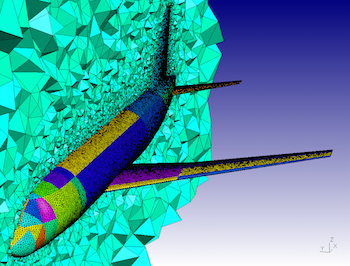
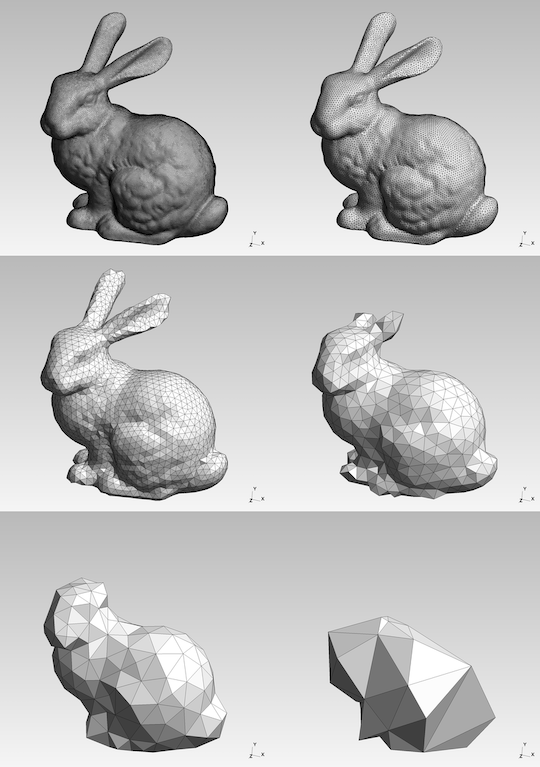
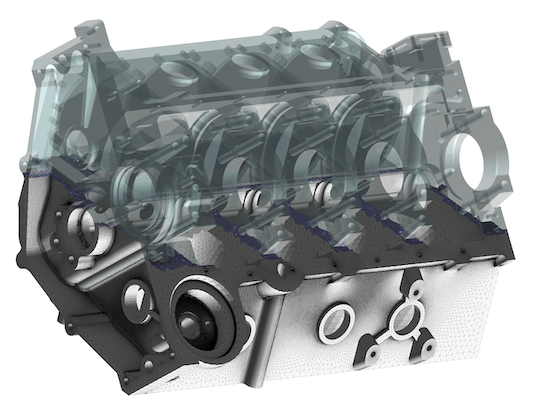
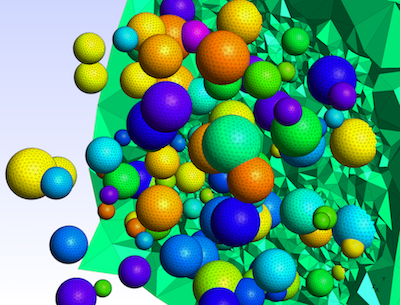
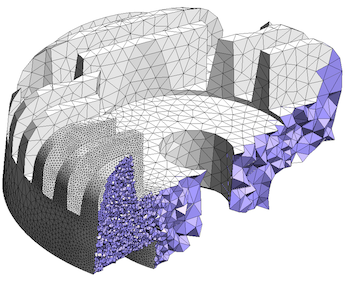
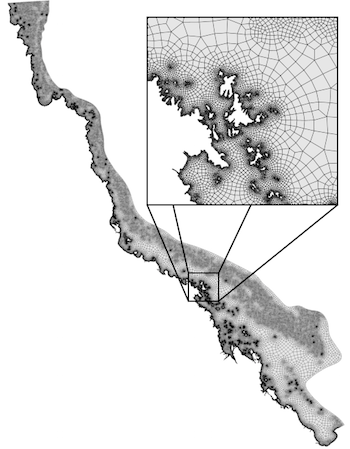
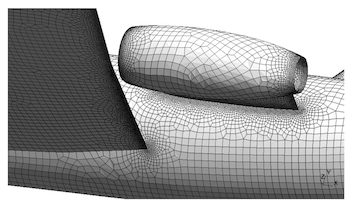
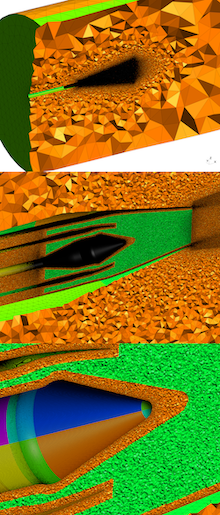
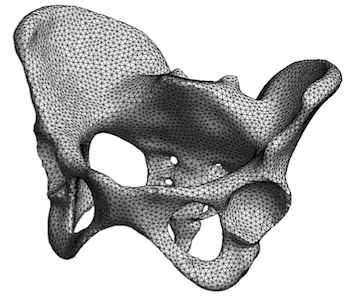
Gmsh is an open source 3D finite element mesh generator with a built-in CAD
engine and post-processor. Its design goal is to provide a fast, light and
user-friendly meshing tool with parametric input and flexible visualization
capabilities. Gmsh is built
around four modules
(geometry, mesh, solver and post-processing), which can be controlled with
the graphical user
interface, from
the command
line, using text files written in Gmsh's
own scripting
language (.geo files), or through the C++, C, Python, Julia and
Fortran application
programming interface.
See this general presentation for a high-level overview of Gmsh and the reference manual for the complete documentation, which includes the Gmsh tutorial. The source code repository contains the tutorial source files as well as many other examples.
Gmsh is distributed under the terms of the GNU General Public License (GPL):
pip install
            --upgrade gmsh
'
Make sure to read the tutorial and the FAQ before sending questions or bug reports.
git clone
          https://gitlab.onelab.info/gmsh/gmsh.git
'
pip install -i https://gmsh.info/python-packages-dev
        --force-reinstall --no-cache-dir gmsh
' (on Linux systems without
X windows, use python-packages-dev-nox instead of
python-packages-dev)
If you use Gmsh please cite the following reference in your work (books, articles, reports, etc.): C. Geuzaine and J.-F. Remacle. Gmsh: a three-dimensional finite element mesh generator with built-in pre- and post-processing facilities. International Journal for Numerical Methods in Engineering 79(11), pp. 1309-1331, 2009. You can also cite additional references for specific features and algorithms.
Please report all issues
on https://gitlab.onelab.info/gmsh/gmsh/issues.
Gmsh is copyright (C) 1997-2022 by C. Geuzaine and J.-F. Remacle (see the CREDITS file for more information) and is distributed under the terms of the GNU General Public License (GPL) (version 2 or later, with an exception to allow for easier linking with external libraries).
In short, this means that everyone is free to use Gmsh and to redistribute it on a free basis. Gmsh is not in the public domain; it is copyrighted and there are restrictions on its distribution (see the license and the related frequently asked questions). For example, you cannot integrate this version of Gmsh (in full or in parts) in any closed-source software you plan to distribute (commercially or not). If you want to integrate parts of Gmsh into a closed-source software, or want to sell a modified closed-source version of Gmsh, you will need to obtain a commercial license: please contact us for details.
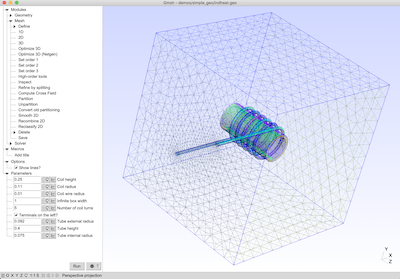
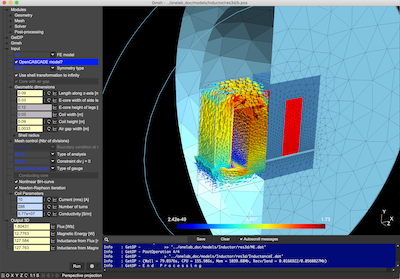
These are two screenshots of the Gmsh user interface, with either the light or dark user interface theme. See the ONELAB web site for more.
This design uses a simple Observer block and a Sticky Piston to drop the victim into a pit (or kill chamber) the moment they try to steal a "lovely" item.
Before diving into the list, let's define the mechanic. In Lovely Craft (assuming standard vanilla+ mechanics), a piston trap uses sticky or standard pistons to alter the environment unexpectedly.
Here are the 30 best piston trap designs, ranked by complexity and lethality.
A popular version of the "Lovely Craft" trap involves the player building a high tower with a chest on top.
These require basic redstone clocks and repeaters.
These require redstone knowledge, comparators, and pulse extenders. lovely craft piston trap 30 best
The floor is dangerous, but don't forget the vertical space. These traps utilize the "Lovely Craft" aesthetic to hide mechanics in the walls.
11. The Crushing Ceiling A classic Indiana Jones vibe. When a player enters a room, sticky pistons in the ceiling extend downward, slowly lowering a ceiling of sand or gravel to suffocate the intruder.
12. The "Blink" Trap Pistons move a block rapidly to block and unblock a lava source. It creates a "blinking" wall of fire that is unpredictable and hard to navigate.
13. The Bookshelf Reveal You walk past a bookshelf, and a piston pushes it aside to reveal a dispenser or TNT.
14. The Wall Spike (Bedrock Edition) In Bedrock, you can use pistons to push blocks into the player’s hitbox, causing suffocation damage even without a ceiling. This design uses a simple Observer block and
15. The False Painting A painting covers a hole. Behind the painting is a piston wall. When triggered, the pistons push the player back into a pit.
16. The Falling Anvil A piston retracts a block holding up an anvil. Gravity takes over. It’s an instant kill if the player is low on health.
17. The Piston Door Fake It looks like a fancy 2x2 piston door. But if you don't input the correct combination, the floor drops out instead of the door opening.
18. The Corner Trap Pistons hidden in the corner of a room push the player diagonally into a set of spikes or lava.
19. The "Air Lock" Two walls of pistons extend simultaneously to crush the player in the middle of a corridor. Here are the 30 best piston trap designs,
20. The Banner Trap A banner hangs on the wall. Behind it is a tripwire that activates a piston to push the player through a one-way wall into a prison cell.
With 30 incredible options, how do you pick the "loveliest" one?
In the expansive world of sandbox gaming, specifically within the blocky realms of Minecraft and its modded derivatives like Lovely Craft, few mechanical challenges are as satisfying to master as the piston trap. When you combine the raw, pushing power of a piston with the cunning of a survivalist, you create the ultimate defense system: a "lovely craft piston trap."
But why settle for one trap when you can explore the 30 best variations? Whether you are protecting your diamond vault, pranking your friends on a server, or defending your village from a raid, this guide covers the top 30 most efficient, creative, and lovely piston trap designs.
From the simple "push-and-drop" to complex redstone clocks, here is the definitive list of the 30 best lovely craft piston trap setups.